V1.1.0 Now Available
Secure Your Digital Empire.
SecureVault is a high-performance desktop security suite designed to protect your most sensitive files with active defense mechanisms and military-grade obfuscation.
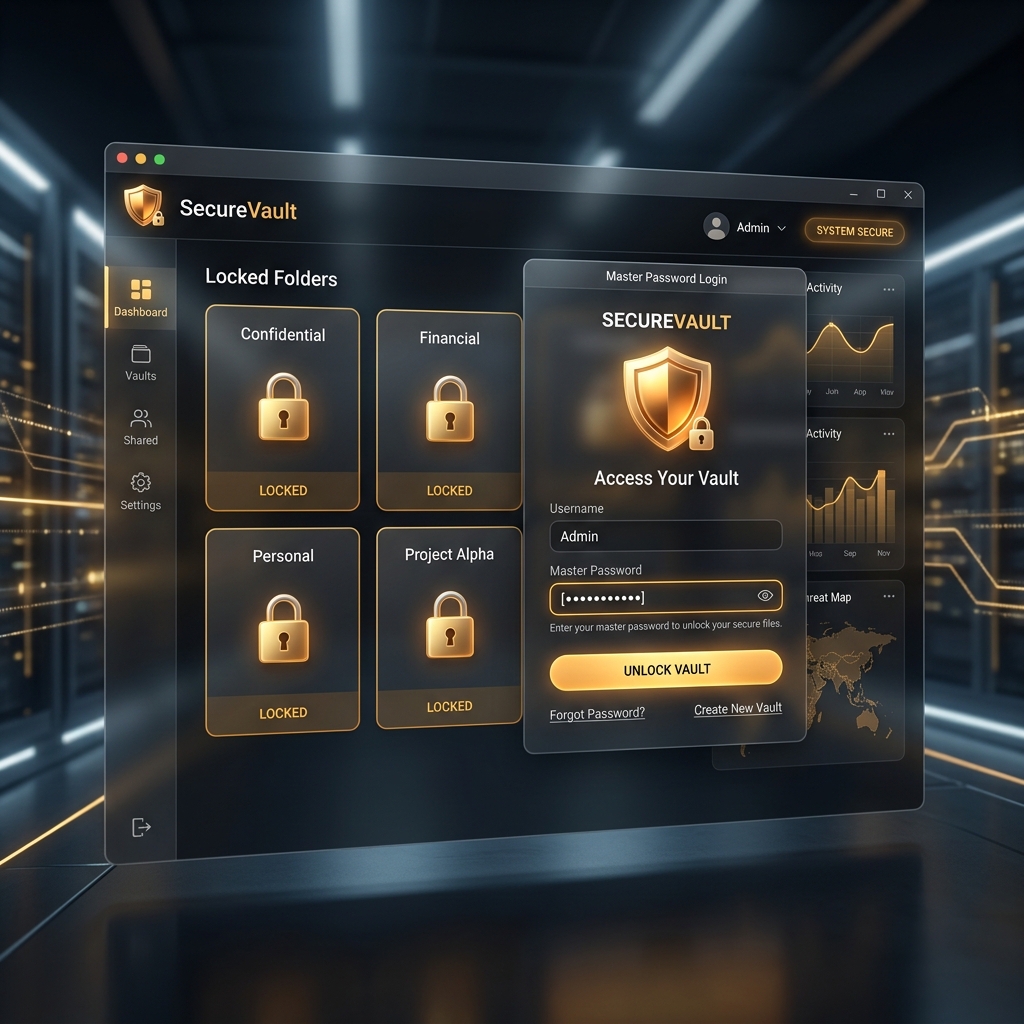
SecureVault is a high-performance desktop security suite designed to protect your most sensitive files with active defense mechanisms and military-grade obfuscation.
Encryption
Nuke System
Universal Drives
SecureVault was born from the need for a truly private file management system. While other "vaults" rely on cloud servers, we believe your data should never leave your machine.
Our application combines advanced binary obfuscation with active defense mechanisms to ensure your digital life remains yours alone.
Explore the premium, dark-themed interface of the SecureVault desktop suite.
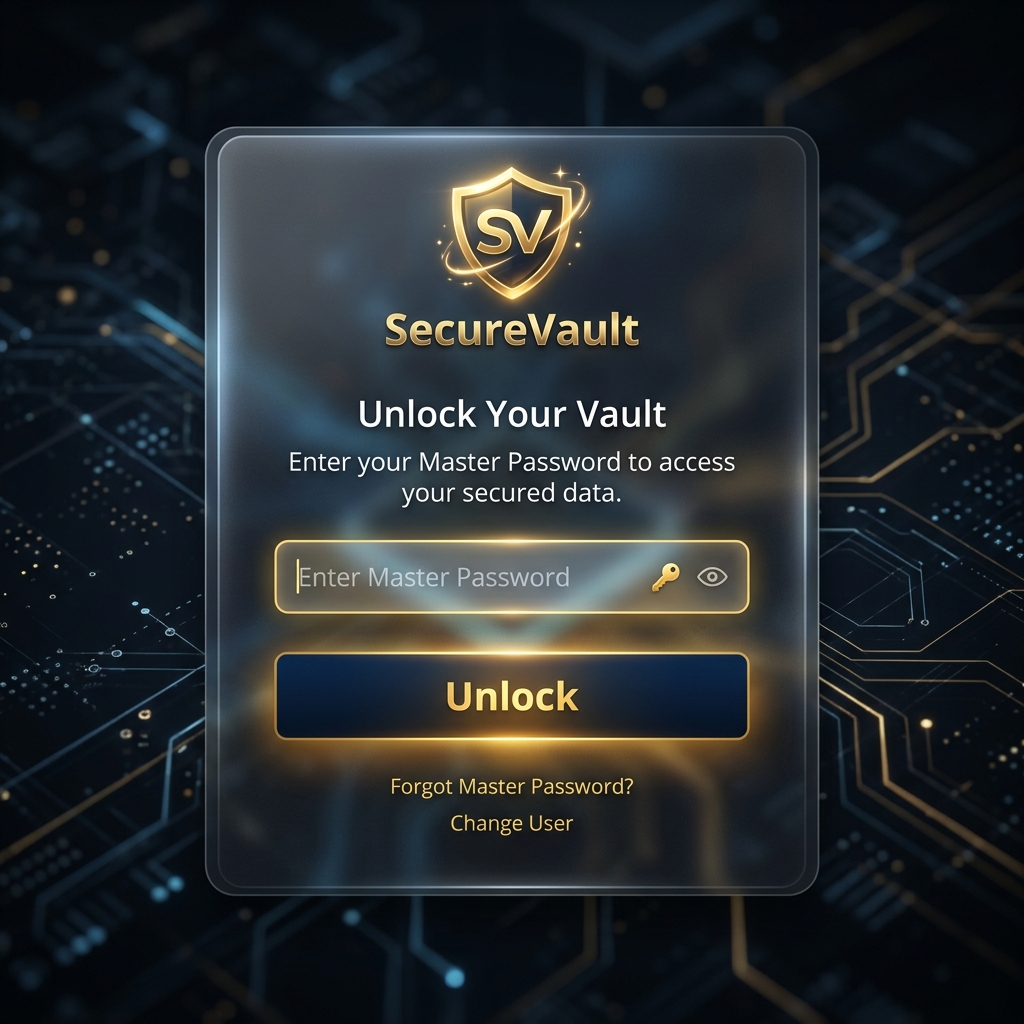
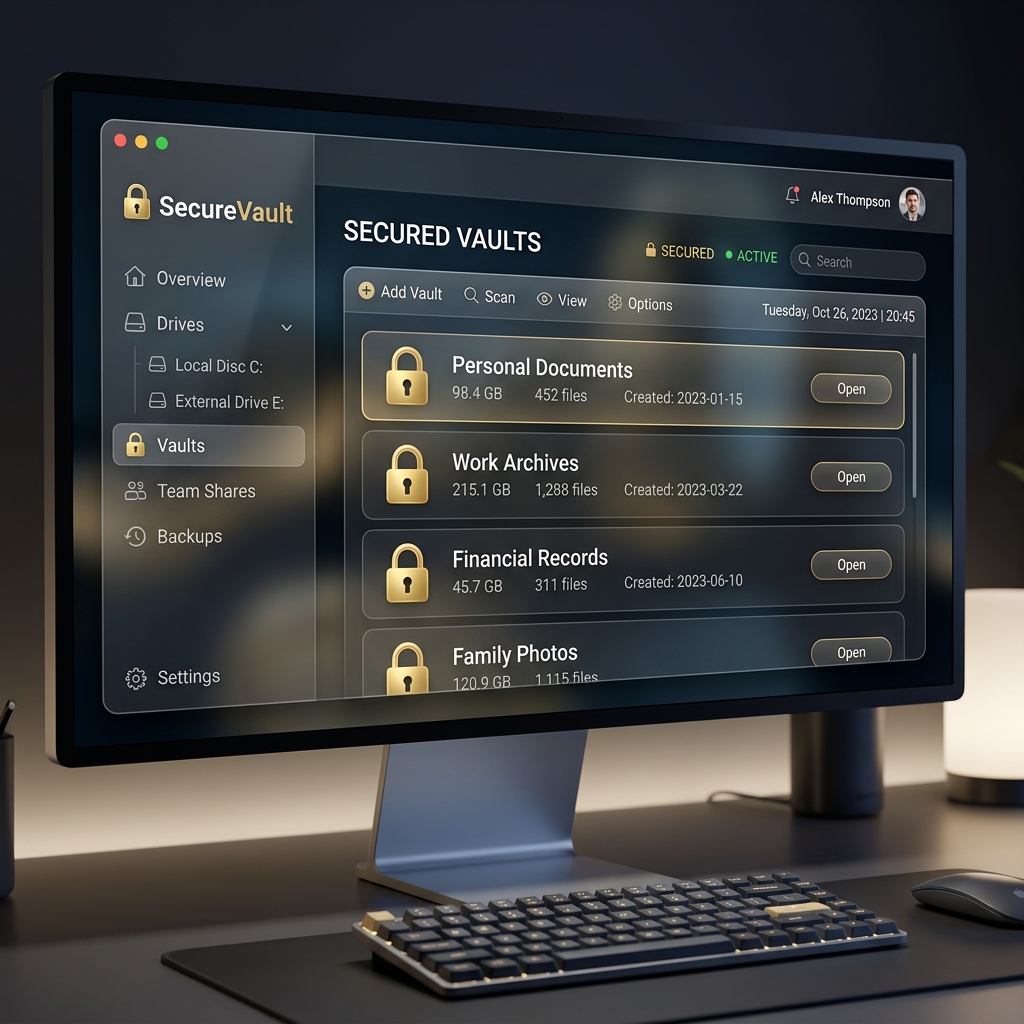
Engineered for professionals who demand absolute privacy and reliability.
Instantly lock any directory on your local or removable drives with kernel-level path handling.
Fully compatible with all storage types: Internal (HDD/SSD) and External (USB/Portable Drives). Secure any folder on any connected volume.
Integrated email recovery system. Receive secure OTPs directly to your registered email for password resets.
Configure self-destruct triggers. If unauthorized access is detected, sensitive data is exfiltrated and purged.
A beautiful, glassmorphic interface designed for clarity and security, even in low-light environments.
Optimized core logic ensures maximum security without slowing down your system's performance.
SecureVault adapts to your needs, whether you're a professional or a casual user.
Keep your raw edits and client portfolios under lock and key on external SSDs.
Secure sensitive legal documents and case files with military-grade obfuscation.
Protect your research papers, personal projects, and private journals from prying eyes.
Ensure corporate data remains secure on your home machine or portable drives.
See how we compare to traditional folder-hiding methods.
| Feature | Basic Hiding | SecureVault |
|---|---|---|
| Folder Locking | ||
| Encryption | ||
| Active Defense (Nuke) | ||
| SMTP 2FA Recovery | ||
| USB Auto-Detection |
Real-time usage and security metrics for the SecureVault ecosystem.
Active Guardians
Total Downloads
Vaults Secured
Unlike passive locking software, SecureVault monitors login attempts in real-time. After 3 failed attempts, the Global Nuke protocol is activated, ensuring your data never falls into the wrong hands.
[SYSTEM_ALERT] Unauthorized Access Detected
[ACTION] Initializing Nuke Sequence...
[STATUS] Exfiltrating Encrypted Vaults...
Follow these simple steps to enable 2FA and password recovery features.
CRITICAL: If you do not configure SMTP details, your data cannot be retrieved if you forget your master password. This is your only recovery lifeline.
Launch the app and navigate to the Settings tab in the sidebar. This is where you manage your global configurations.
Provide your Sender Email (the one sending OTPs) and your Receiver Email (where you receive them).
Instead of your main password, use a 16-character Google App Password for the SMTP connection. This ensures your account remains protected.
Everything you need to know about SecureVault's security and privacy.
No. SecureVault is 100% local. Your files and passwords never leave your computer, ensuring absolute privacy from hackers and third parties.
We use SMTP (Simple Mail Transfer Protocol) to send a unique OTP to your registered email. This is the only way to reset your master password.
The Nuke Sequence is an active defense tool. After 3 failed login attempts, the app can be configured to exfiltrate and purge sensitive vaults to prevent data theft.
Absolutely. SecureVault supports all NTFS and FAT32 volumes, including Internal HDDs/SSDs, External Hard Drives, and USB Flash Drives.
The future of SecureVault is focused on biometric integration and seamless cross-platform privacy.
Integrating Windows Hello for Fingerprint and Face ID unlock capabilities.
Zero-knowledge end-to-end encrypted backup for your vault metadata.
Access and manage your vault security settings directly from iOS and Android.
Neural-network based intrusion detection to prevent advanced brute-force attacks.
Download the standalone Windows executable and start protecting your files today.
Build: v1.1.0 Stable | New: Optimized Icons & Security Fixes
Have questions or feedback? We'd love to hear from you.